Skip to Main Content
Talk Beginner First Talk

CNC4Everyone - How we built a CNC machine for every classroom, college and makerspace

Proposal status is Review Pending
Session Description

Most modern CNC machines and plotters are built around monolithic controller boards (like a GRBL shield or a commercial DSP). While this works initially, it creates a massive single point of failure. If one stepper driver burns out, your entire machine is down until you replace the whole board. On the software side, the workflow is equally frustrating: you need heavy CAD/CAM software to generate complex G-code, which then requires a dedicated server or sender just to get the machine moving.

We wanted to fix this, especially for classrooms, colleges, and makerspaces where budgets are tight and repairs need to happen fast.

At last year's IndiaFOSS, Mr. Balu Babu put it plainly:

"China can fill a stadium with CNC operators, We can barely fill a classroom... This isn't just about having the right tools, it's about having enough people who know how to use them effectively. And that gap affects everything from quality to innovation speed."

That one sentence captures the exact problem. Digital fabrication tools exist, but they are inaccessible, not just in cost, but in complexity. A machine that requires a trained technician to operate, a proprietary sender to run, and an expensive replacement board when a single driver fails is not a machine built for a classroom. It is a machine built for a well-funded production floor. We think that is the wrong design philosophy for open hardware.

Urumi was built to challenge that philosophy from first principles. This talk is the story of how we did it . A low-cost, open-source flatbed 4 axis CNC machine that rethinks both the hardware and software stack to make digital manufacturing genuinely accessible.

The hardware story starts with a question: why does one broken stepper driver bring down the entire machine? Because every axis shares a single controller board. We broke that dependency by giving each axis its own cheap, dedicated node, a small PCB built around the AVR128DB32 microcontroller, connected to everything else over a shared RS-485 bus. A failed node costs less than a cup of coffee to replace, and the rest of the machine keeps running.

The software side starts with a different question: why do you need a server just to cut a file? You shouldn't. We built the entire CAM pipeline - Bezier flattening, arc-length parameterisation, tangential knife angle calculation all of that in plain vanilla JavaScript, running entirely in the browser with zero dependencies. The browser talks directly to the machine over WebSerial. No installation, no backend, no G-code.

The vision story starts with a prototype that failed. We mounted a camera on the gantry. It was heavy, expensive, and nearly impossible to calibrate. We scrapped it entirely and replaced it with a smartphone. You place a printed ArUco marker frame on the cutting bed, take one photo, and upload it. OpenCV corrects the perspective warp and lens distortion, detects your material edges automatically, and a skeletonisation pipeline converts your hand-drawn ink lines, red for score, green for crease, blue for cut, directly into a colour-coded toolpath SVG, ready to run.

We'll walk through the real engineering decisions behind each of these systems: where we failed, what the math actually looks like, and what you can take away for your own hardware and software projects.

Key Takeaways
  • Modular CNC Architectures: How to design independent networked stepper nodes over RS-485 so a single axis failure never brings down the whole machine.

  • Client-Side CAM: How to process SVG path geometry, flatten Bezier curves with arc-length parameterisation, and calculate tangential knife angles entirely in browser JavaScript(no server required).

  • WebSerial for Hardware Control: How to use the WebSerial API to stream binary motion data directly from a browser to a microcontroller, including flow control and error recovery.

  • Perspective Rectification: How to use OpenCV and ArUco markers to correct perspective warp and lens distortion from an ordinary smartphone photo into a calibrated 1:1 physical coordinate space.

  • Colour-Coded Toolpath Design: How HSL-space voting on a skeletonised ink mask can classify hand-drawn marker lines by colour into distinct cutting operations (thru-cut, score, crease) automatically.

  • Open Hardware for Access: Practical lessons from building a fabrication tool specifically for low-budget environments, where repairability, zero-dependency software, and cheap off-the-shelf components matter as much as performance.

References

Session Categories

Story of a FOSS project - from inception to growth

Which track are you applying for?

Open Hardware

Speakers

Nikhil Nair Software Engineer - Technology Fellow | Super Fablab Kerala

I am a software engineer and Technology Fellow at Super FabLab Kerala. I specialize in cyber-physical systems, Edge AI, and computer vision, focusing on the software architecture that brings hardware to life. Having previously interned in AI and Robotics at Tata Elxsi, I'm a big fan of DIY projects and practical computer vision applications. I'm always looking for an excuse to wire up an ESP32 or a Raspberry Pi.
Beyond engineering, I run long distances, keep a travel sketchbook, and follow Formula 1
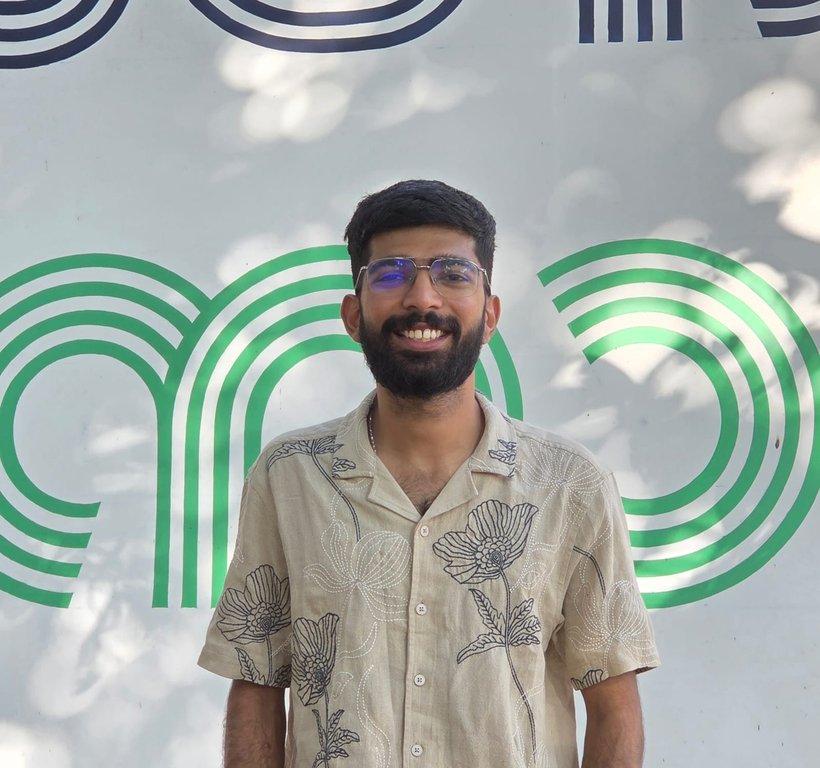
Nikhil Nair
https://icebelly29.github.io/
Ashish Joy Technology Fellow | Super Fablab Kerala

A Mechatronics Engineer with a passion for embedded systems, CNC machines, and robotics. Completed the Fab Academy program, I developed practical expertise in digital fabrication, electronics design, and system integration, building projects that blend creativity with engineering.

I thrive at the intersection of hardware and software, transforming ideas into working prototypes and scalable systems. With a strong foundation in mechatronics and hands-on fabrication experience, I aim to contribute to industrial automation, robotics, and advanced manufacturing.

I’m eager to connect with professionals in automation, embedded systems, and machine building to exchange knowledge and explore opportunities for collaboration.
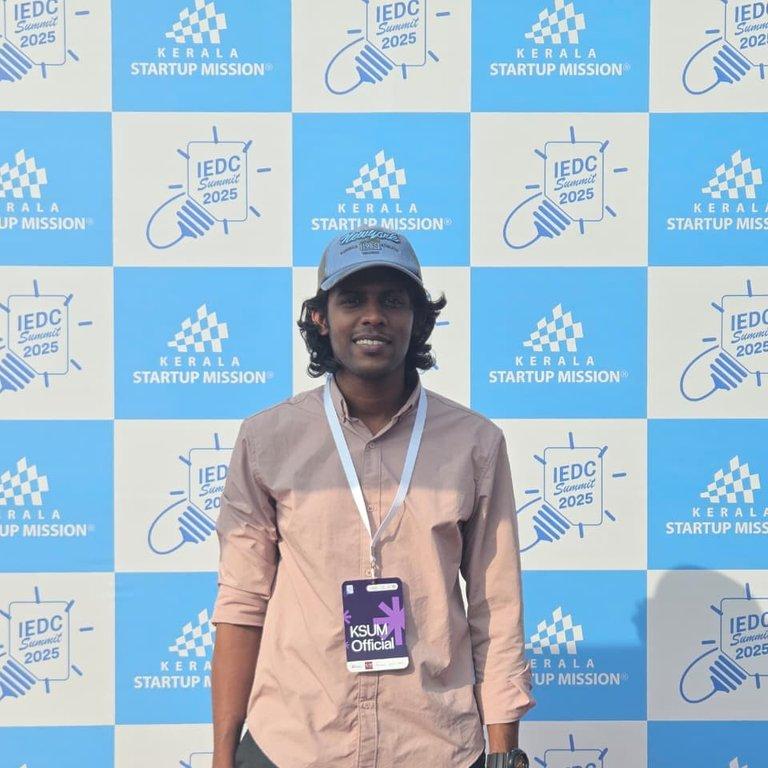
Ashish Joy
https://www.linkedin.com/in/ashishjoy-mr/
Akash Edamana Technology Fellow | Super Fablab Kerala

Mechanical engineer and maker based in Kerala. I work in R&D and product development - taking ideas from concept to working prototype: ideation, CAD, fabrication, testing, iteration.

My strength is working end-to-end. I design the mechanical system, fabricate it, and get it to actually function.

Fab Academy 2025 graduate from Super Fablab Kerala went deep into digital fabrication, CNC, 3D printing, and building complete projects from scratch.

What I work with:

CAD: SolidWorks, Fusion 360, Creo, Rhino, Solid Edge, Blender

Fabrication: CNC machining, 3D printing, prototyping, DFM

Electronics & embedded: Arduino, ESP32, PCB design - enough to integrate with mechanical systems

Previously sole Design Engineer at Aero360, Chennai. Currently Technology Fellow at Kerala Startup Mission (KSUM), Kochi.

Akash Edamana
https://www.linkedin.com/in/akashedamana/