Skip to Main Content
Lightning Talk Beginner First Talk

Typst - Typesetting made simple

Proposal status is Rejected
Session Description

Introduction:

Making text presentable matters a lot. Be it academic papers, technical documentation, reports, books, websites and presentations even , require a certain standard of formatting that makes or breaks its perception. This is where typesetting comes in . Making text look good and presentable is the core of the typesetting process.

Traditional tools for typesetting have various challenges. Word processors ( such as word, google docs ) can have trouble handling complex formatting , while typesetting systems ( such as TeX ) and specialized document preparation systems built on top of such systems ( such as LaTeX ) require a steep learning curve, and often do not have the relative ease of use of word processors.

Typst , which is an open source markup-based typesetting tries to bridge the gap between convenience and capability . This session aims to introduce the participants to the concept , origin , workflow and usage of Typst .

Session details :

The session will cover the origins of Typst , which will go over the problems with existing typesetting systems , and the development of Typst to overcome those problems . A brief overview of the tech stack on which Typst operates will be provided.

The session will then cover the workflows on the following platforms :

  • Typst compiler - which allows for composing Typst powered documents locally

  • Typst online editor - which allows for collaborative editing in a web-based interface

A basic tutorial on creating simple documents and previewing them accordingly will be the next section of the talk.

A bit more complex example , demonstrating the capabilities of Typst will then be provided in the subsequent section.

"Typst Universe" , which is a collection of user - provided plugins , will then be explained , showcasing a few remarkable usages of Typst to create real world documents.

At the end a brief talk on the roadmap of the future additions to the Typst software will be provided , followed by a request for questions and comments on the software.

Key Takeaways
  • Gaining an introduction to typesetting and formatting systems

  • Learn how to use Typst

  • Learn about the plugin system of Typst

References

Session Categories

Introducing a FOSS project or a new version of a popular project
Story of a FOSS project - from inception to growth

Which track are you applying for?

Main track

Speakers
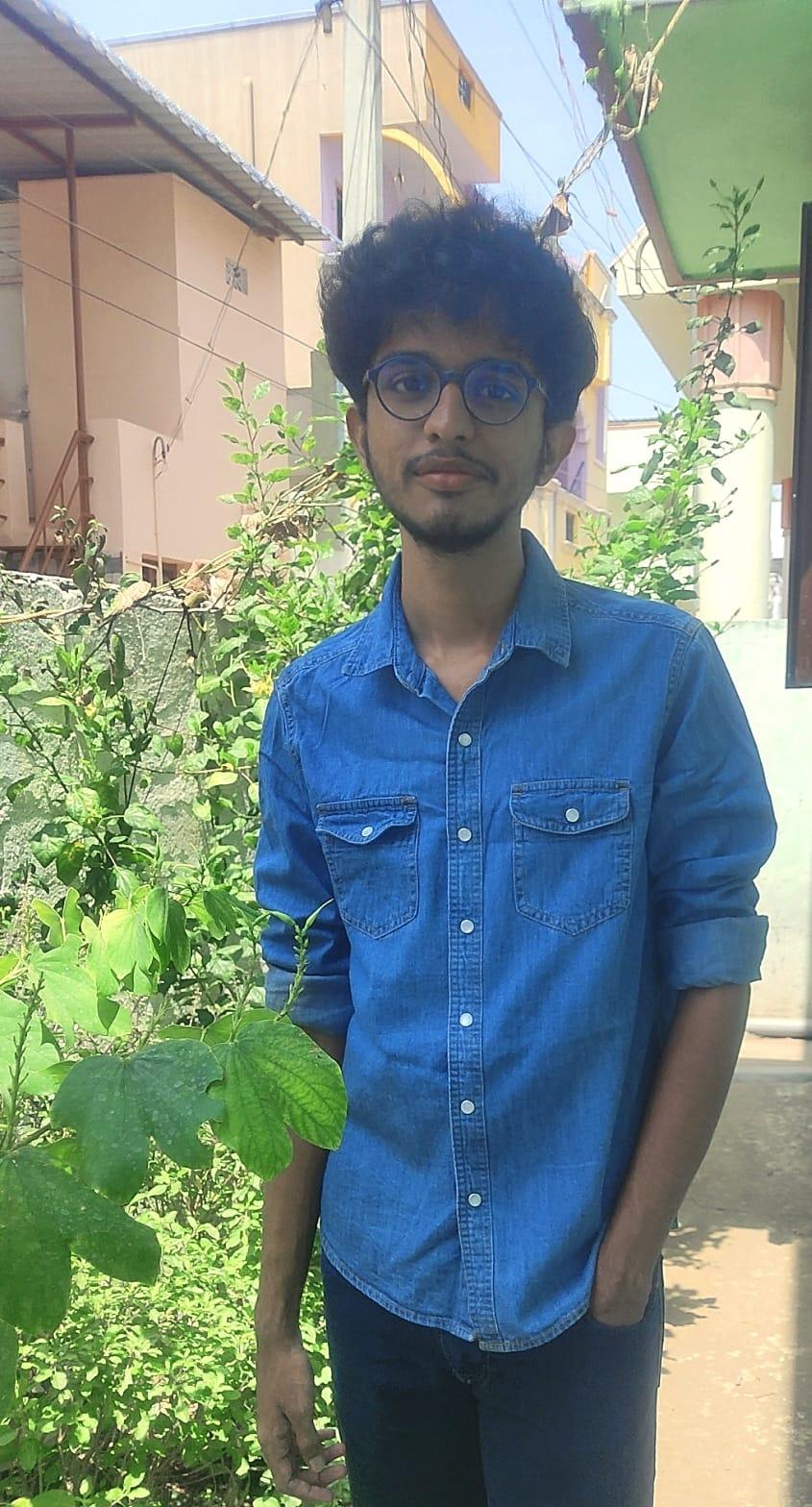
Anush M
Anush M Student, Former Technical lead FOSS-CIT | FOSS-CIT

FOSS enthusiast / Software dev / student at Coimbatore Institute of Technology. Have been a part of the FOSS club of CIT , and would like to collaborate on FOSS initiatives

Kavin Sanjay S
Kavin Sanjay S Student , Secretary - FOSS-CIT | FOSS-CIT

A committed and enthusiastic student currently in the second year of an M.Sc. Software Systems program at Coimbatore Institute of Technology. Actively involved in the FOSS Club, with a strong interest in open-source technologies and community-driven learning. Continuously exploring opportunities to grow, collaborate, and contribute in the field of computing.